Classic Theme Builder
Keep Reeltone's familiar deck layout and change its entire attitude.
- Live colors and contrast checks
- Display, digit, body, and bold fonts
- Reel, background, and key sprites
- Instant package export
Skin Workshop
Custom shop // open bench
Build a color-perfect classic theme or shape the entire Mac player around your own chassis. Everything runs locally in your browser and exports a ready-to-install .reeltone package.
No account. No uploads. Your artwork stays on your device.
Keep Reeltone's familiar deck layout and change its entire attitude.
Turn a transparent chassis image into a functioning, animated player window.
Complete macOS chassis with working controls and displays.

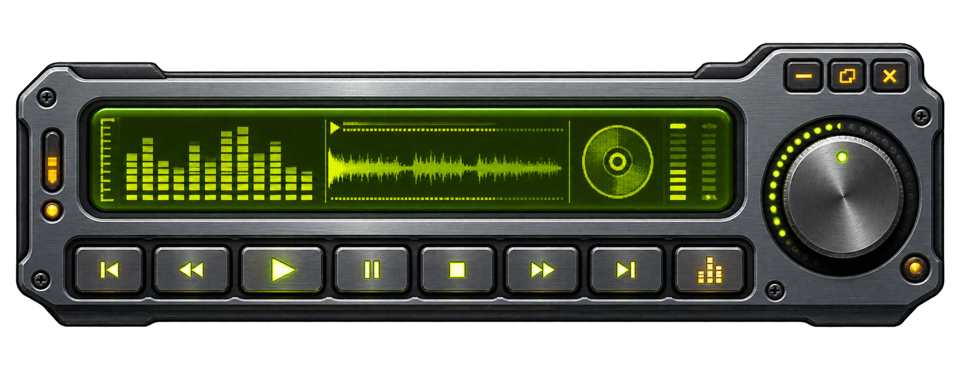
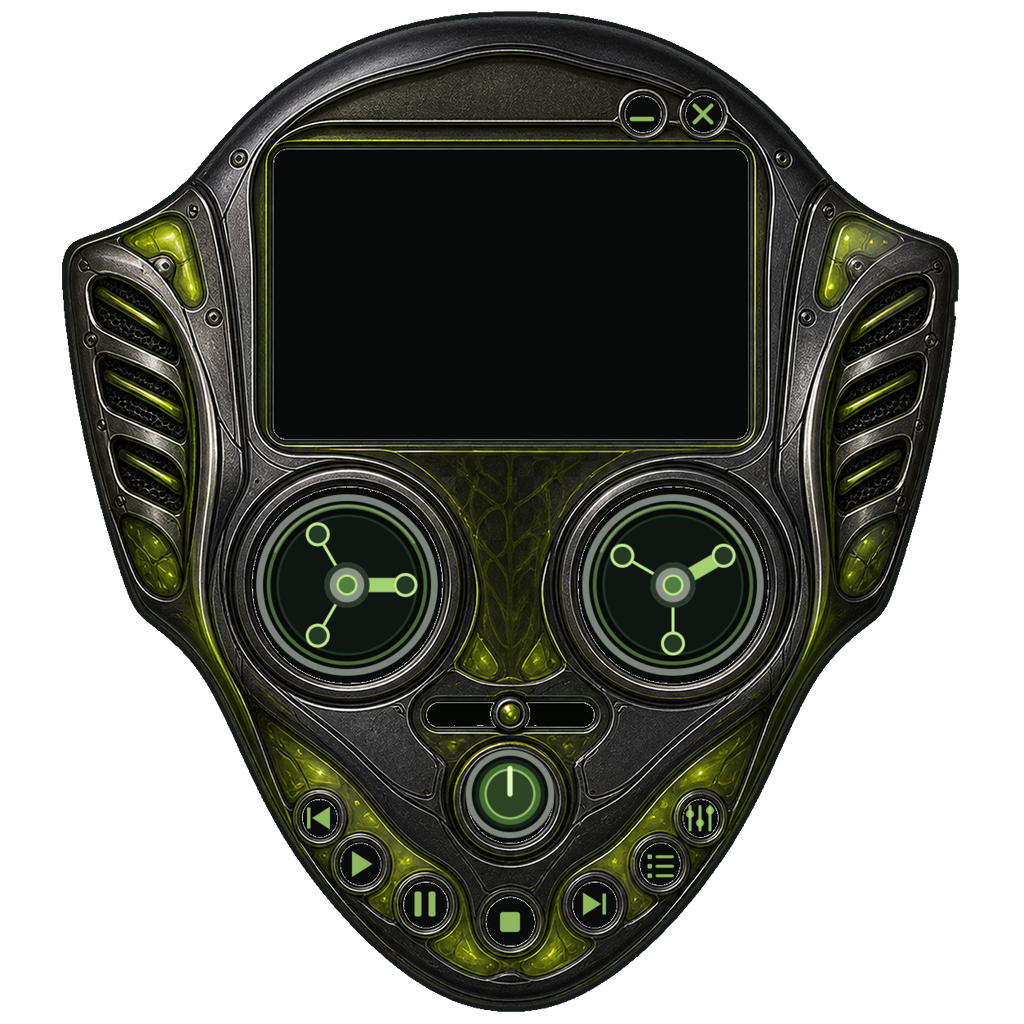
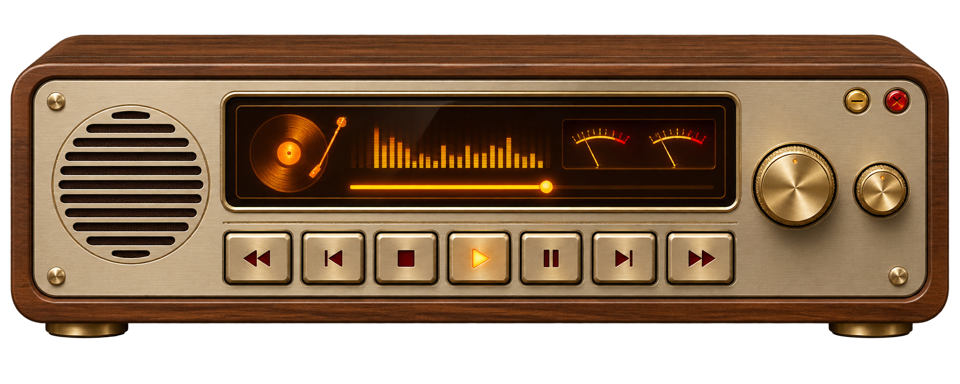
Production-ready palettes for the standard Reeltone deck.
Download a finished skin above or export one from either builder.
In Reeltone, open Settings → Appearance → Import Skin.
Preview, install, and select it. On Mac, shaped designs appear in Skin Mode.
Reeltone skins are declarative packages, not executable plugins. Builders process files locally in your browser.